
Connect Mailchimp to CleanSmart
Import your Mailchimp audience lists into CleanSmart for deduplication, formatting, and missing-value cleaning. Connect via your Mailchimp API Key in under 10 minutes.
What you'll need
- A CleanSmart account with integration permissions
- A Mailchimp account (any tier, including free)
- A Mailchimp API Key — find it under Account & Billing → Extras → API Keys
Setup steps
Open the Mailchimp integration card
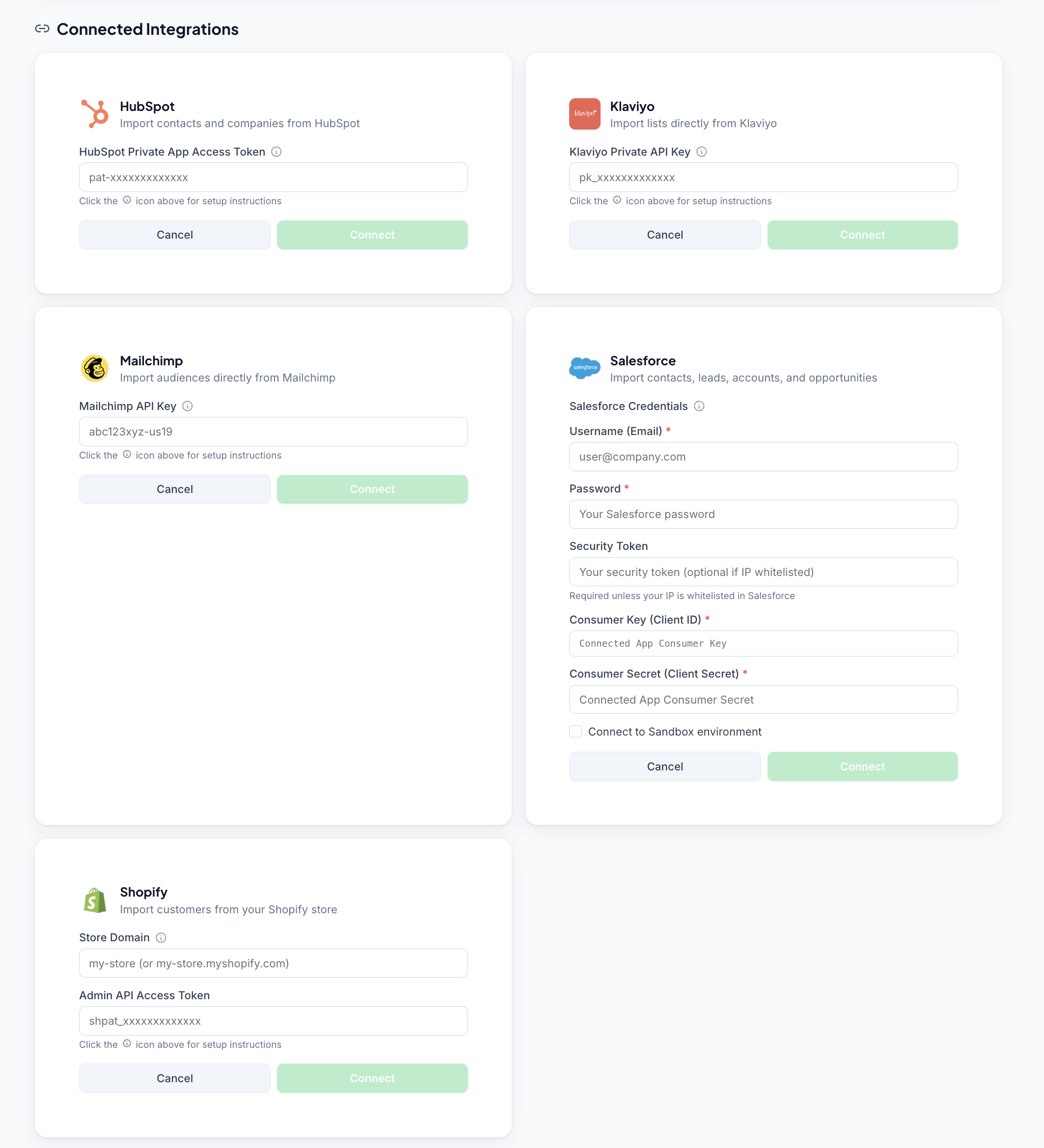
In CleanSmart, navigate to Import & Sync and locate the Mailchimp card. Click Connect to expand the card and reveal the API key input field.
Generate a Mailchimp API Key
In Mailchimp, click your account avatar (top right) → Account & Billing → Extras → API Keys → Create A Key. Give it a name like "CleanSmart" and copy the generated key.
xxxxxxxx-us##. Note the datacenter suffix (e.g., us14) — CleanSmart needs it to route API calls correctly.Paste the API key and connect
Enter your Mailchimp API key into the field in the integration card and click Connect. CleanSmart validates the key and lists your available audiences. A green confirmation message indicates a successful connection.
Select an audience and map fields
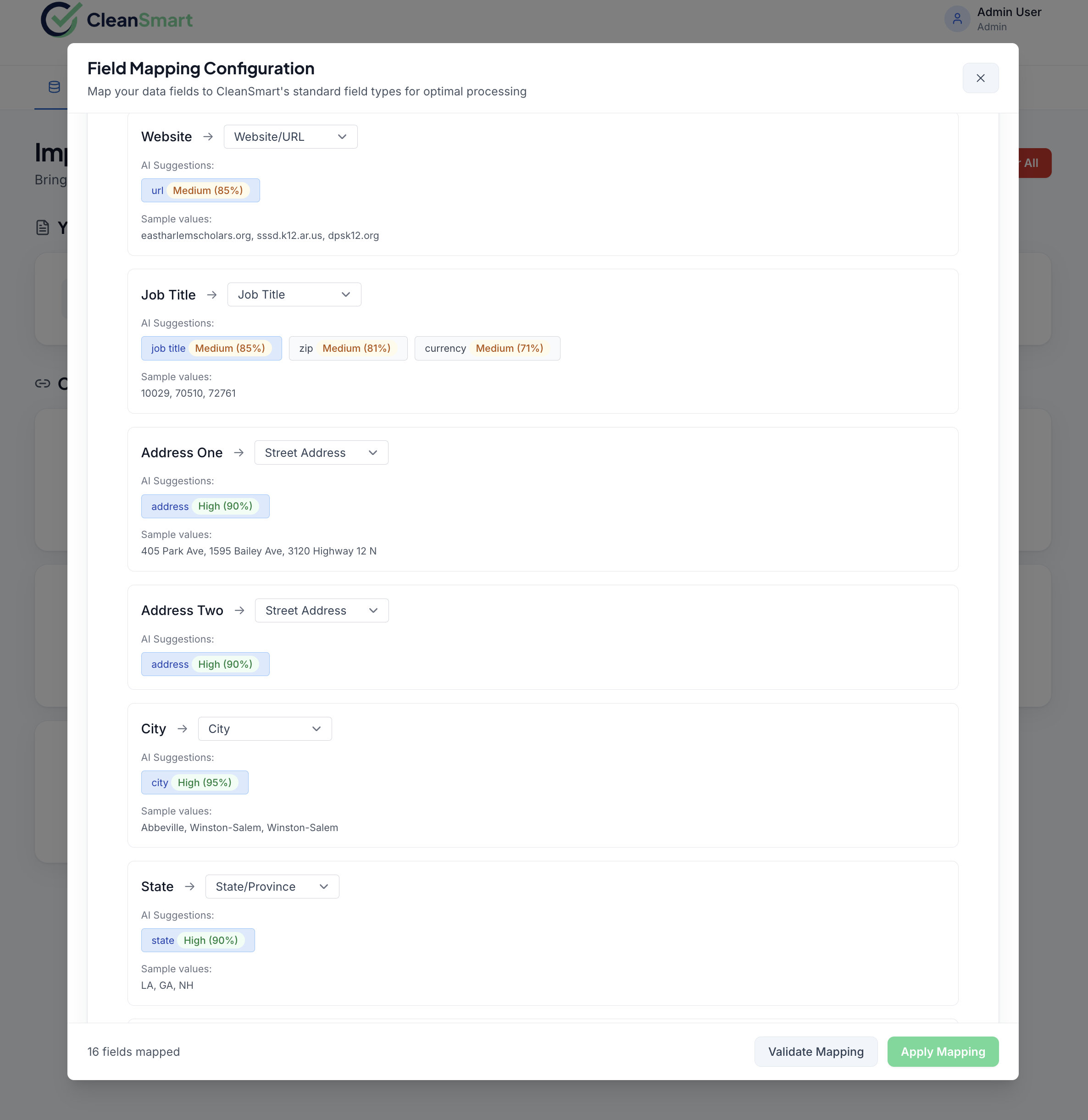
Choose which audience list to import. CleanSmart auto-detects field types (email, first name, last name, phone, tags) and suggests a mapping. Confirm the mapping and click Import.
Your audience appears as a data source
After importing, your Mailchimp audience is available in CleanSmart. Run the cleaning pipeline on it, review changes in the Review & Resolve queue, then download the cleaned audience and change log from the Export step and import it back into Mailchimp.
Frequently asked questions
Can I import multiple Mailchimp audiences?
My API key isn't being accepted. What should I check?
-us14). Also check that the key is active in Mailchimp's API Keys settings — keys can be disabled without being deleted.How do I get cleaned data back into Mailchimp?
How do I revoke CleanSmart's access?
Will cleaning affect my Mailchimp tags or segments?
Other connector guides
CleanSmart connects natively to five data sources.