You send 10,000 emails. 400 bounce. That's a 4% bounce rate, which sounds like a rounding error until you realize what it's actually costing you.
Every bounced email tells inbox providers—Gmail, Outlook, Yahoo—that you're sending to addresses that don't exist. Do it enough and they start assuming you're a spammer, or at least sloppy. Your emails start landing in spam folders. Then they stop arriving at all. Your open rates crater, and you have no idea why because the emails are still "sending" on your end.
This is the slow death of sender reputation, and it happens to companies with legitimate lists all the time. The fix isn't complicated, but it does require actually doing it.
Why Bounce Rate Matters More Than You Think
Inbox providers use bounce rates as a signal of list quality. A high bounce rate suggests you're either buying lists, scraping addresses, or not maintaining your data—all behaviors associated with spam.
The threshold for "high" is lower than you'd expect. Most email service providers consider anything above 2% a problem. Above 5% and you're in serious trouble. Some providers will suspend your account.
But the real damage is to deliverability. Even emails that don't bounce start getting filtered more aggressively. Your sender score drops. Your domain reputation suffers. And unlike a bounced email that you know about, the emails going to spam are invisible failures. You just see engagement declining and wonder what happened.
The irony is that most bounce problems come from neglect, not malice. People change jobs and their work emails die. Typos in signup forms create addresses that never existed. That lead list from the trade show three years ago? Half those people have moved on.
Hard Bounces vs. Soft Bounces
Not all bounces are the same, and the difference matters for how you respond.
Hard bounces mean the email permanently failed. The address doesn't exist, the domain is invalid, or the mail server explicitly rejected your message. These addresses will never work. Remove them immediately—there's no recovery.
Common causes: typos (gmial.com instead of gmail.com), deleted accounts, fake addresses people entered to access gated content, defunct company domains after acquisitions.
Soft bounces mean temporary delivery failure. The mailbox is full, the server is down, the message is too large, or there's a temporary block. The address itself might be valid.
Soft bounces deserve a second chance—but not infinite chances. If an address soft bounces three or four times in a row across different campaigns, treat it as dead. The "temporary" problem has become permanent.
Your email platform should be categorizing these for you. If it isn't, or if you're working from raw bounce data, you'll need to make the distinction yourself. Look at the bounce codes: 5xx errors are typically hard bounces, 4xx errors are soft.
Signs Your List Needs Cleaning
Some warning signs are obvious. But by the time your bounce rate is visibly bad, the reputation damage is already happening.
Better to catch it early:
- Declining open rates with stable send volume. If you're sending the same amount but fewer people are opening, your emails might be getting filtered. Dead addresses aren't the only cause, but they're a common one.
- Increasing spam complaints. People who never signed up tend to mark you as spam. If old or purchased list segments have high complaint rates, those addresses are hurting you even when they don't bounce.
- Engagement dropping on specific segments. If your "inactive subscribers" segment has a higher bounce rate than your engaged segment, that's a sign the inactive addresses are degrading.
- You haven't cleaned the list in six months. Even healthy lists decay. The average email list loses about 20-25% of its validity per year through natural churn. If you're not actively removing bad addresses, they're accumulating.
- You recently imported addresses from an old source. That spreadsheet from your CRM migration, the backup from your old email tool, the conference contacts from 2019—old data is almost certainly full of dead addresses.
Cleaning Your List: The Manual Approach
If you're starting from scratch or want to understand what's actually happening in your data, here's how to clean a list by hand.
Step 1: Export everything. Get your full list out of your email platform with as much metadata as possible—signup date, last engagement date, bounce history, source.
Step 2: Remove obvious hard bounces. Any address that's already recorded as a hard bounce in your platform should go immediately. Don't give them another chance.
Step 3: Check for format problems. Invalid formats are guaranteed failures. Look for missing @ symbols, spaces in addresses, obviously fake domains. A quick regex filter catches most of these.
Step 4: Validate domains. Does the domain actually exist? Does it have MX records (mail server configuration)? You can check this manually for small lists, but it's tedious. A domain with no MX records will never receive email.
Step 5: Flag role-based and disposable addresses. Addresses like info@, support@, or sales@ often have multiple recipients and lower engagement. Disposable email services (mailinator, guerrillamail, 10minutemail) are people avoiding your list on purpose.
Step 6: Review inactive subscribers. Anyone who hasn't opened or clicked in 12+ months is a risk. They might still be valid, but they're not engaged—and disengaged recipients are more likely to mark you as spam if you suddenly show up in their inbox after a year of silence.
Step 7: Re-import the cleaned list. Remove the bad addresses from your email platform, or tag them for suppression.
This works, but it's slow. For a 50,000-person list, you're looking at hours of work, and you'll still miss things that require actual email verification.
Automating the Pain Away
The manual approach doesn't scale, and it doesn't catch everything. Automated validation does both.
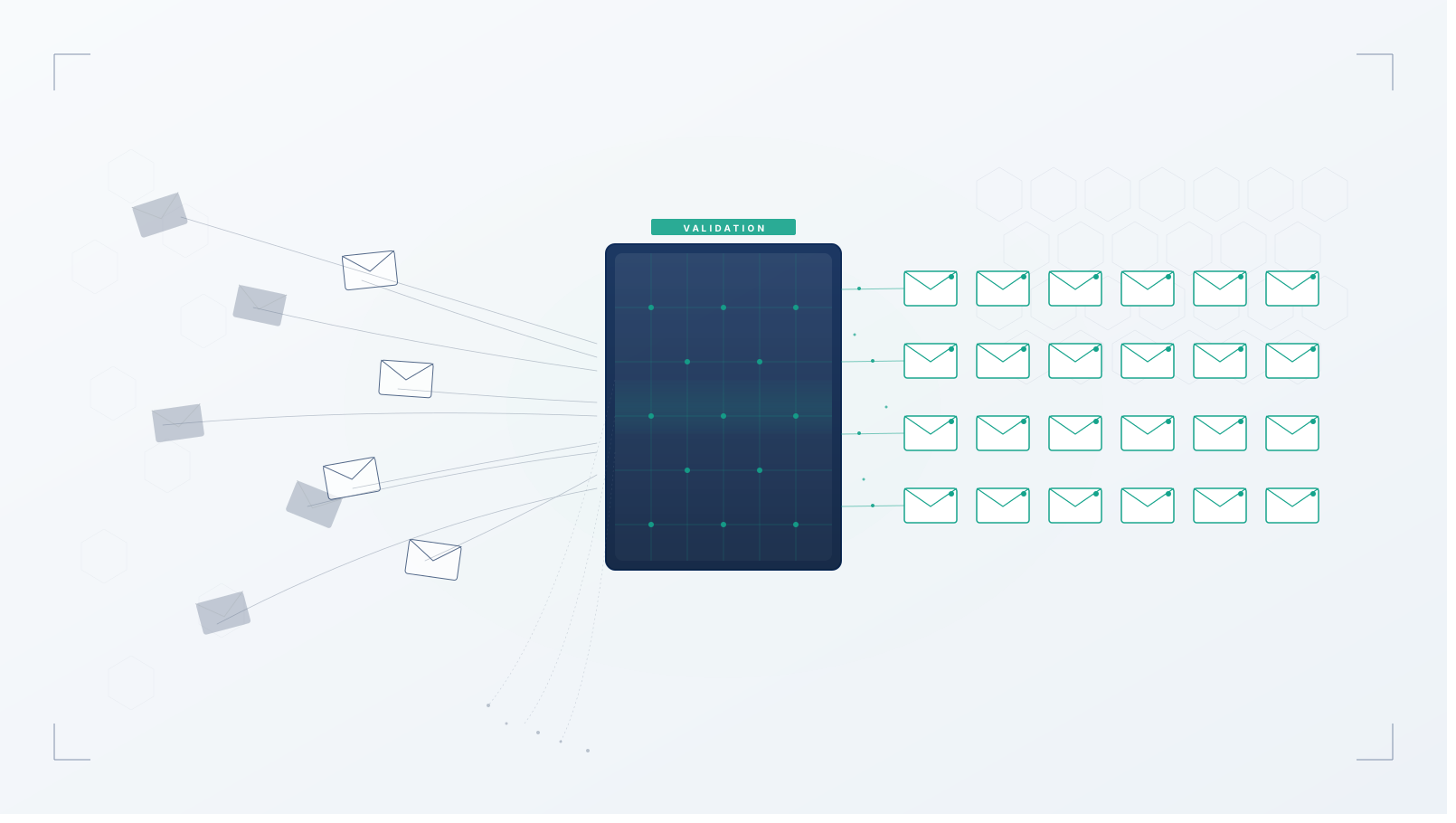
Email validation services ping addresses to check if they're deliverable without actually sending an email. They verify syntax, check domain validity, confirm the mailbox exists, and flag risky address types.
The good ones catch:
- Invalid formats and typos
- Nonexistent domains
- Nonexistent mailboxes
- Catch-all domains (which accept everything and are often low quality)
- Role-based addresses
- Disposable/temporary addresses
- Known spam traps
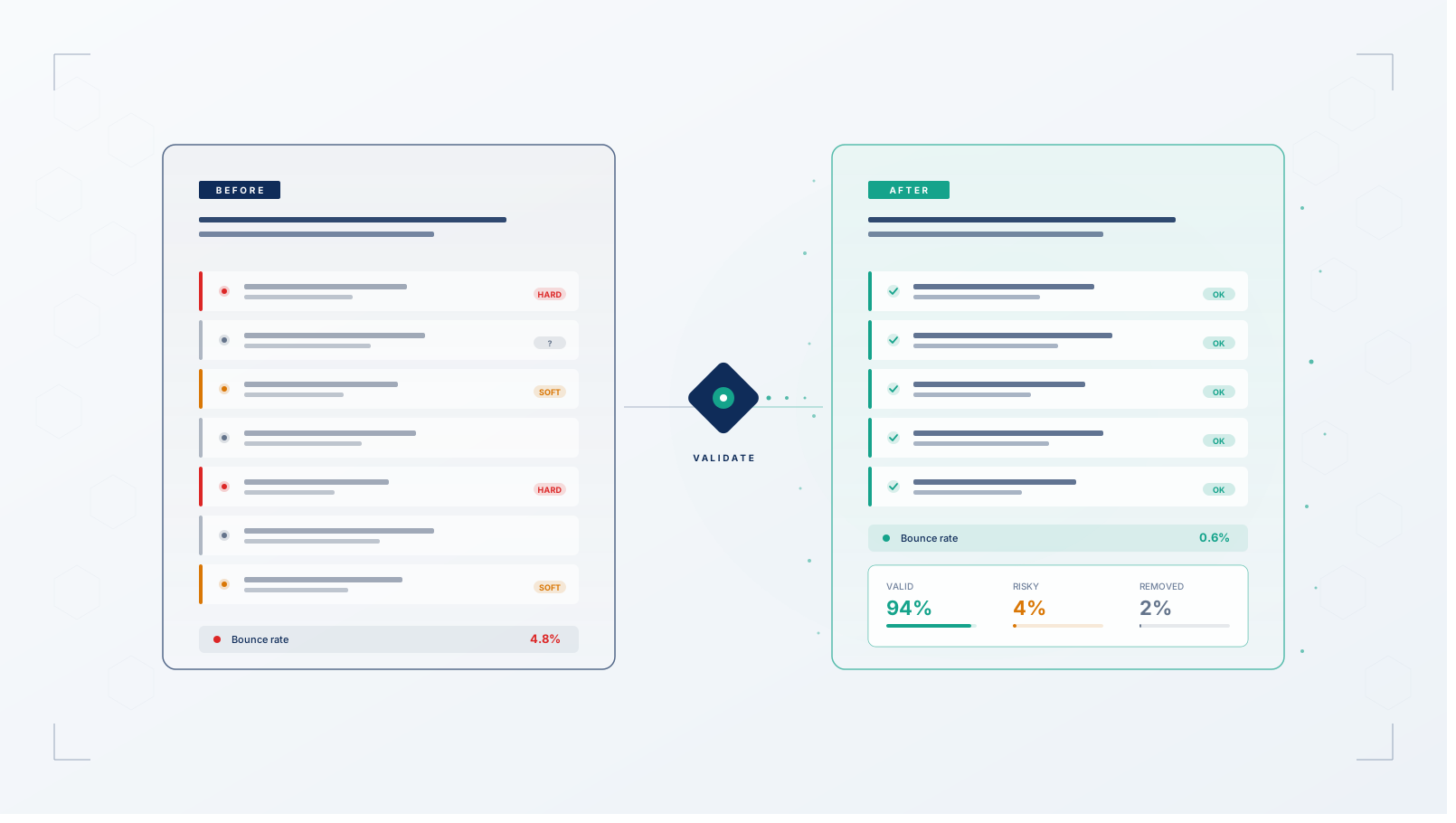
CleanSmart's AutoFormat includes email validation as part of the cleaning pipeline. Upload your list, and every address gets checked for format validity and deliverability risk. You get back a cleaned list with bad addresses removed and risky ones flagged for your decision.
The difference between doing this manually once a year and automating it on every import is the difference between hoping your list is clean and knowing it is.
How Often to Clean
More than you're probably doing now.
On import: always. Any new addresses entering your system should be validated before they go into your main list. This catches typos at signup, filters out fake addresses from gated content, and prevents bad data from getting established.
Before major campaigns: definitely. If you're about to send to a large segment you haven't emailed recently, validate first. The cost of validation is trivial compared to the cost of tanking a campaign's deliverability.
On a schedule: quarterly at minimum. Even if you're validating on import, addresses decay over time. People leave jobs. Companies shut down. A quarterly sweep catches the addresses that have gone bad since you acquired them.
When you see warning signs: immediately. If your bounce rate spikes or deliverability drops, don't wait for the scheduled cleaning. Something's wrong now.
The companies with the best email performance treat list hygiene as ongoing maintenance, not a periodic project. Small, continuous cleaning beats annual panic cleanups every time.
Start With What You Have
Export your email list and upload it to CleanSmart. You'll get a validation report showing exactly how many addresses are invalid, risky, or safe—plus a cleaned file ready to re-import. No more guessing whether your list is healthy.
What's a good email bounce rate?
Under 2% is the standard benchmark. Above 2% and most email service providers will flag you for review. Above 5% and you're risking account suspension and serious deliverability damage. If you're consistently above 2%, your list has a hygiene problem. That said, a single campaign to a cold segment might bounce higher without indicating a systemic issue—it's the pattern over time that matters.
Should I try to re-engage inactive subscribers before removing them?
Yes, but with a clear exit strategy. A re-engagement campaign ("We miss you, are you still interested?") gives people a chance to confirm they want to stay. Anyone who doesn't engage after two or three re-engagement attempts should be removed. The risk of keeping truly inactive subscribers—spam complaints, deliverability damage—outweighs the chance they'll magically re-engage later. Don't let sentimentality about list size override list quality.
Is it okay to email addresses that passed validation but have never engaged?
Passed validation just means the address exists and can receive mail. It doesn't mean the person wants your emails. If someone signed up and never opened a single message, they're either not interested or your emails are going to spam. Segment these addresses separately, test carefully, and be quick to remove them if they don't engage. A validated address that generates spam complaints is worse than a bounced one—bounces just fail quietly, complaints actively damage your reputation.